Computer packing takes more planning than packing ordinary household items because a complete setup includes fragile screens, towers, accessories, manuals, and cords that all need different protection. The goal is not just to keep the hardware from cracking. It is also to protect data, prevent missing parts, and make setup easier after the move.
Computer packing starts with separating the system into protected parts
A desktop computer is not one item for packing purposes. The tower, monitor, keyboard, mouse, external drives, docking stations, power cords, adapters, and manuals should be treated as separate pieces of one organized system. Packing them together in one carton can create too much weight and movement, which increases the risk of cracked screens, dented cases, and internal damage.
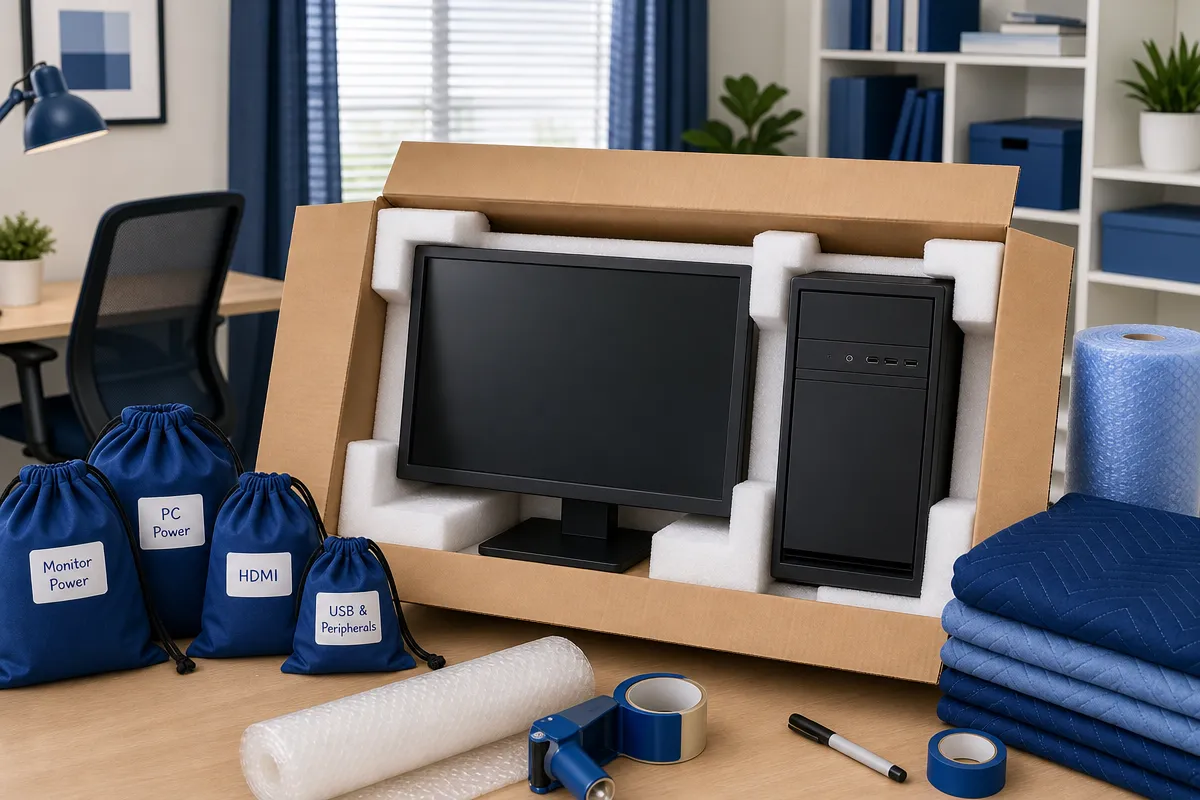
Original manufacturer packaging is the best option when it is available because the molded foam supports the equipment at the intended contact points. When the original box is gone, use a strong double-wall or reinforced corrugated carton with cushioning around the top, bottom, and sides. The box should not merely fit the device. It should keep the item immobilized without pressing hard on fragile surfaces.
Computer towers need cushioning without pressure on the case
A desktop tower should be powered down fully, wrapped in electronics-safe cushioning, and packed upright when practical. Place padding on the bottom of the carton first, then set the tower inside and add cushioning around every side. Fill empty space firmly enough to prevent shifting, but not so tightly that the case is crushed.
Keep small accessories out of the tower carton unless they are separately bagged and protected. Loose adapters, webcams, mice, or external drives can strike the case during handling. A “Fragile” label helps identify the carton, but it does not replace good cushioning and a snug fit.
Monitors, laptops, and accessories need different packing methods
Screens are among the easiest computer components to damage during a move. Monitors and all-in-one computers should be transported upright rather than flat under other boxes. A flat screen can be harmed by pressure from cartons, straps, or uneven surfaces, even if the outer casing looks fine.
Before wrapping a monitor, cover the display with a soft, non-abrasive cloth, screen-safe foam sheet, or smooth protective layer. Then add foam or bubble wrap, paying close attention to the corners and edges. Do not tape directly to the screen or casing, and do not let straps or packing materials press against the display surface.
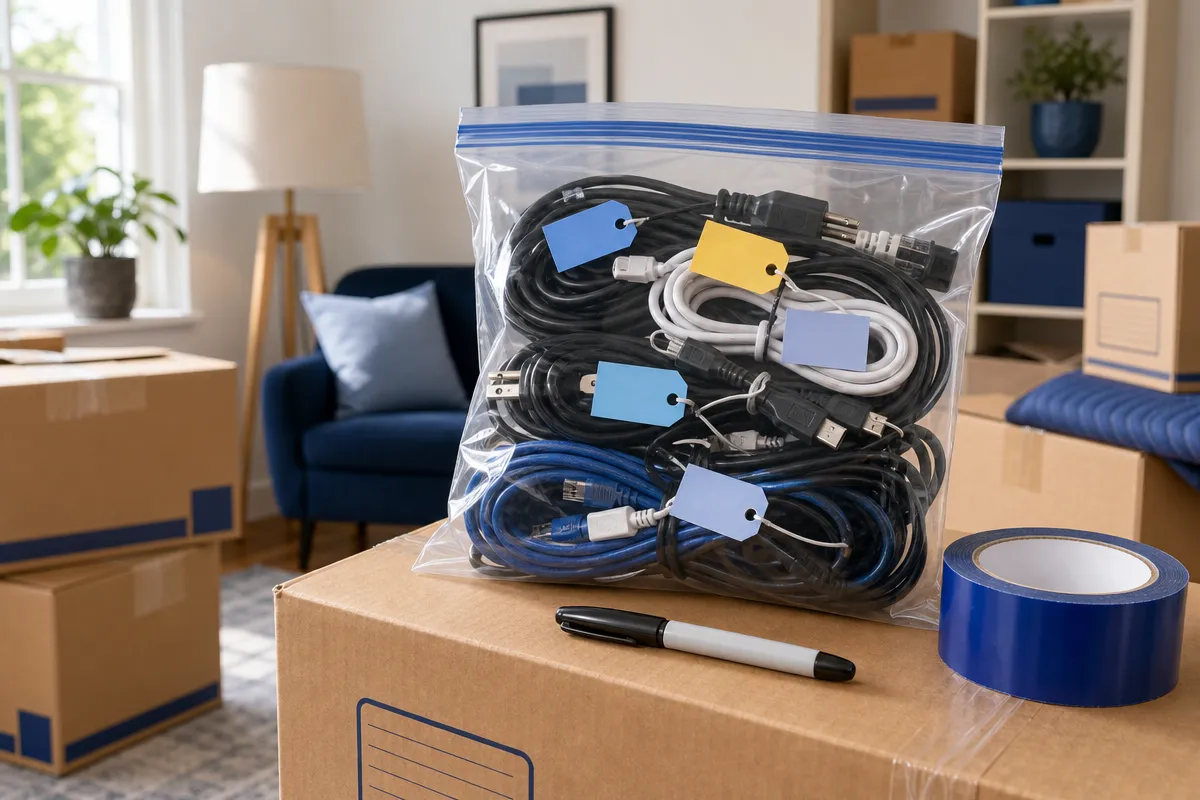
Computer setups also include small parts that are easy to misplace. A practical approach is to keep each device’s accessories traceable from packing through setup. That means cords, chargers, screws, stands, adapters, external drives, and manuals should be labeled clearly and packed in a way that matches the system they belong to.
Place keyboards, mice, webcams, speakers, docking stations, and adapters in separate padded bags or small cartons.
Bag cords by device and function, such as tower power, monitor cable, or laptop charger.
Remove detachable monitor stands when the design allows, then place screws and hardware in a labeled bag.
Keep manuals, recovery media, license information, and setup notes in a document pouch associated with the system.
Use anti-static bags for exposed circuit boards, loose drives, spare memory, graphics cards, or other accessible electronics.
Laptops should be shut down completely, closed, and protected in a padded sleeve or case before they go into a snug carton. A rigid layer of foam or cardboard can help prevent pressure on the lid. The charger should be bagged and labeled separately or secured in a dedicated accessory compartment rather than left loose against the laptop.
Data protection matters before the first computer box is sealed
The files on a computer may be more valuable than the hardware itself. Before packing, complete a current backup and verify that important files can actually be opened or restored. For business systems, backups should be encrypted and maintained in more than one location, including a protected off-site or cloud location.
A good preparation sequence is simple: run a malware scan, synchronize cloud files, create or update a full backup, confirm the backup contents, and document software or licenses that may need reactivation. NIST’s guidance on recovery planning emphasizes that organizations should know how they will restore information after an incident, including maintaining usable backups in a recovery process through restore information after an incident.
Password and license details should not travel loose
Account credentials, recovery codes, encryption keys, Wi-Fi details, and software licenses should be preserved with a secure method. Do not write passwords on the outside of cartons. Also avoid leaving passwords, confidential documents, or personal information visible in pre-move photographs.
Business relocations require extra care. Confidential paper records should be removed or secured, unattended automatic logins should be disabled where appropriate, and access to equipment should be restricted during loading, transit, and storage. The NIST Cybersecurity Guide identifies practical cybersecurity steps for small organizations, which supports the idea that moving preparation should include both physical protection and information security.
This is also where professional packing can make sense, especially for home offices, small businesses, multi-monitor setups, custom gaming computers, graphics workstations, servers, or equipment with high replacement or data value. D1 Moving and Storage provides packing services that can help organize, protect, and inventory computer equipment as part of a planned move.
Transport, storage, and unpacking should protect electronics until setup is complete
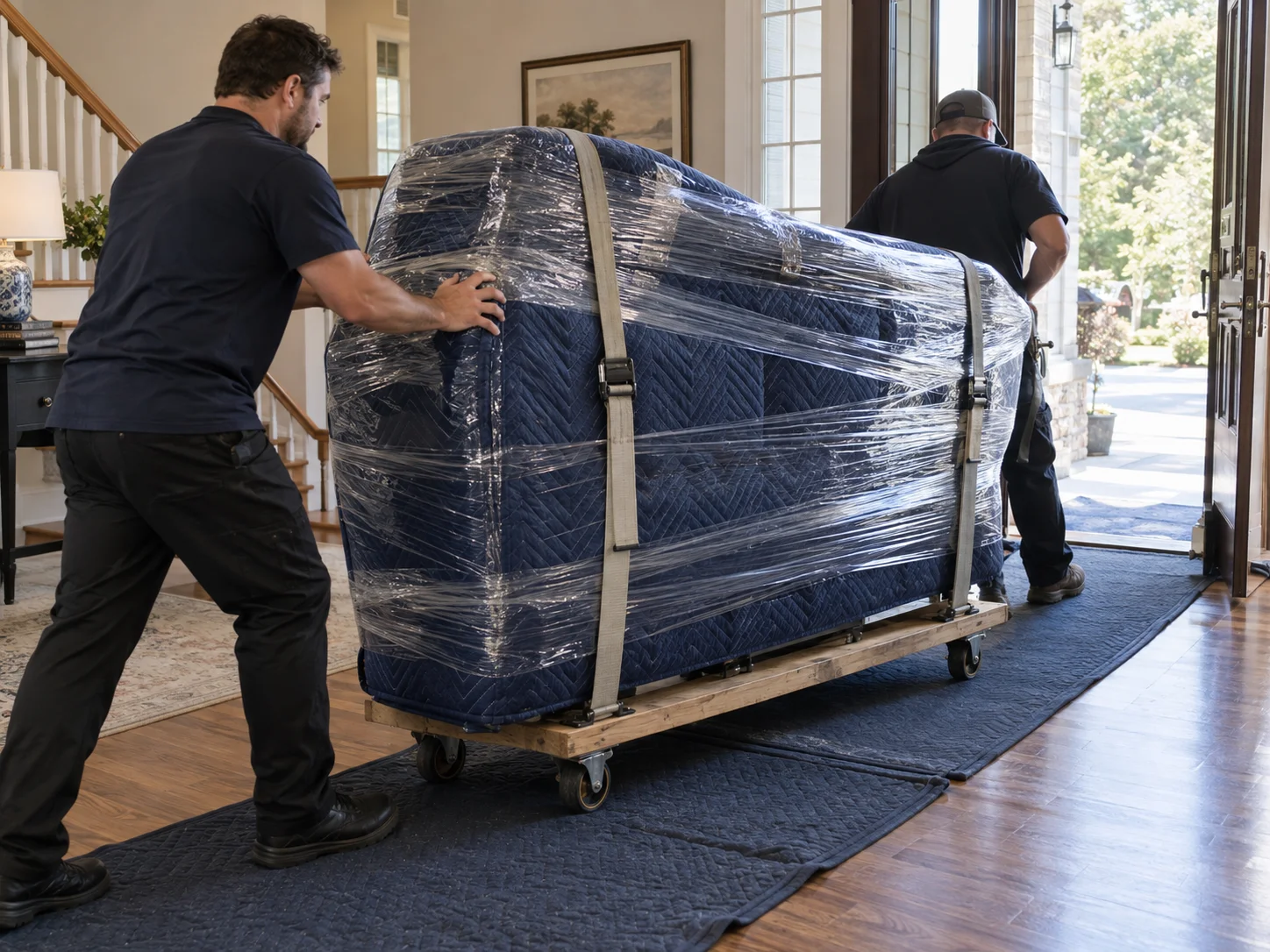
Computer packing does not end when the cartons are sealed. During a local move, equipment may remain in the customer’s possession or in a climate-controlled vehicle when practical, as long as it is fully shut down, separately cushioned, upright where appropriate, and protected from drops and pressure.
Long distance moves create more exposure to vibration, temperature changes, loading delays, and repeated handling. Stronger cartons, clearer labels, more cushioning, and double-boxing for shipment may be needed. Computers should be kept away from extreme heat and cold. Temperature changes can create condensation inside electronic components, so equipment exposed to cold or major temperature shifts should be allowed to acclimate before being powered on.
Storage adds another layer of care. Equipment should be clean and dry before storage, sealed against dust, kept off concrete floors, and placed in a climate-controlled facility when practical. Heavy cartons should not be stacked on monitor or all-in-one cartons. Backup media should be kept in a separate secure location from the computer whenever losing one carton would also mean losing the only backup.
Before unloading or setup, an inventory helps confirm that every carton and accessory has arrived. For higher-value systems, record the make, model, serial number, condition, packed dimensions, and included accessories before loading. Storage security planning also benefits from documented controls, and Security Guidelines for Storage Infrastructure underscores the importance of protecting stored systems and information.
Safe unpacking prevents damage after arrival
Inspect cartons before opening them. Photograph visible damage, keep the packaging, and compare every carton and accessory against the inventory. Open computer cartons on a clean, stable surface instead of in an active walkway.
Use pre-move photos and cable labels to rebuild each setup. Connect the tower, monitor, keyboard, mouse, network equipment, and power protection carefully. Make sure ventilation openings are not blocked, then power on one system at a time. Confirm display output, storage drives, network access, peripherals, backups, and essential applications before discarding boxes.
If your move includes computers, monitors, accessories, office systems, storage, or long distance transport, D1 Moving and Storage can help plan the packing and moving process. Visit D1 Moving and Storage to get started with moving, packing, storage, and related services.